
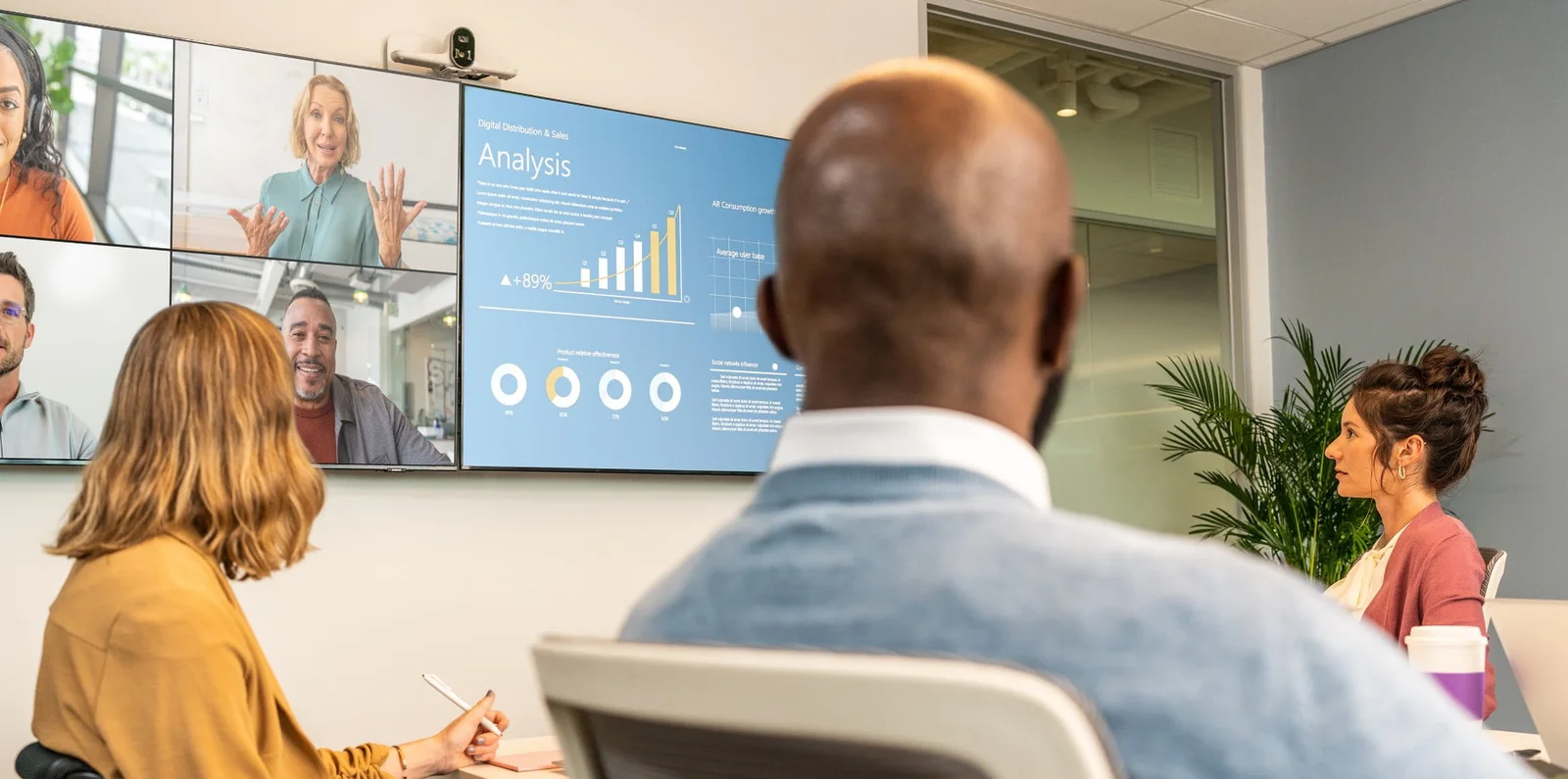
Training Rooms for hybrid learning
Training rooms where the trainer presents on a SMART Board and remote trainees see the trainer, the screen and the whole class with HP Poly, and can ask questions as if they were in the room.
Training rooms
Built around the trainer at the front
In a training room the trainer moves around and shares a lot of content. HP Poly modular systems connect several cameras and microphones, so remote trainees can follow the trainer, see the presentation clearly and be heard by the whole room.
- A modular system that grows with the room
- Zoom cameras that keep the trainer in the picture
- Microphones for the trainer and for questions from the room
- Content sharing to the room display and to remote trainees
Recommended by HP Poly
Systems for training rooms
HP Poly describes the G7500 as its modular system for large conference and training rooms.
 Modular system
HP Poly G7500
Modular video conferencing for large conference and training rooms; connects cameras and microphones, with NoiseBlockAI and Acoustic Fence.
Ask for a quotation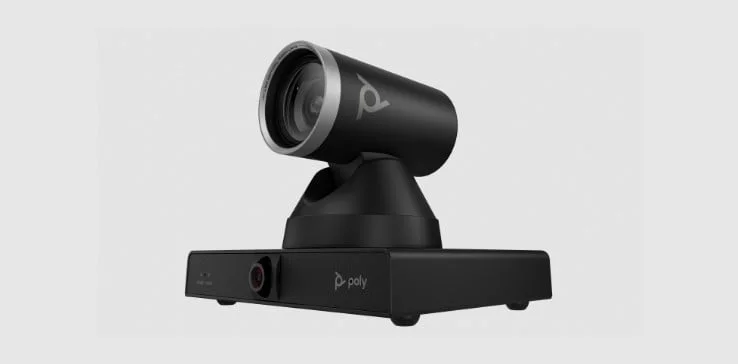 PTZ camera
HP Poly Studio E60
Pan-tilt-zoom camera with 12x optical zoom to keep the trainer sharp at the front of the room.
Ask for a quotation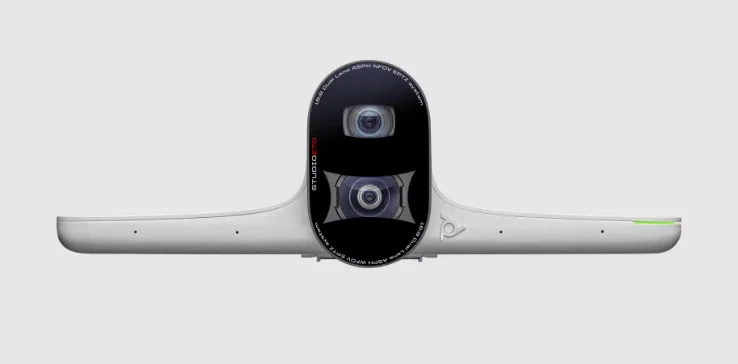 Smart camera
HP Poly Studio E70
Dual 4K smart camera with DirectorAI that frames the class and the people speaking.
Ask for a quotation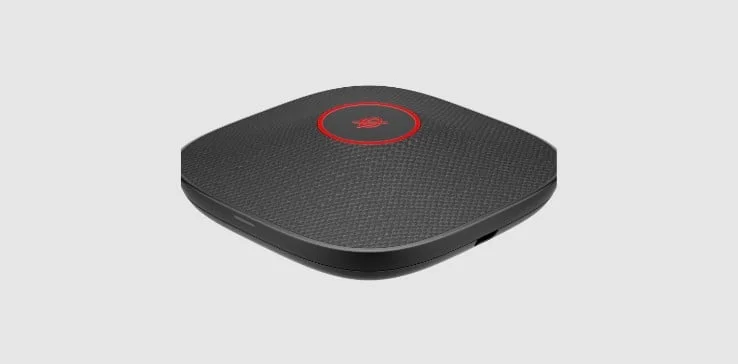 Table microphone
HP Poly Studio A2
Table microphones so questions from every row are heard by remote trainees.
Ask for a quotation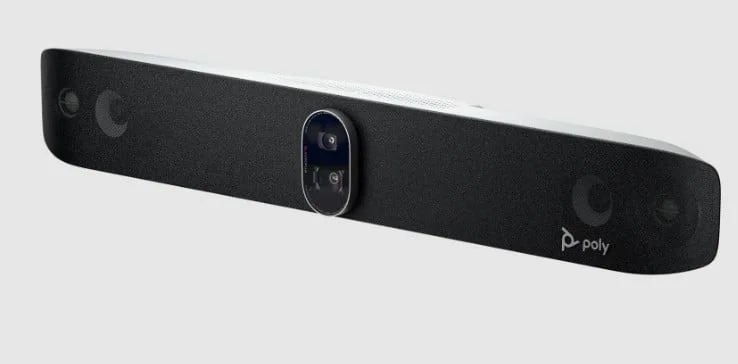 All-in-one · large rooms
HP Poly Studio X72
For smaller training rooms: one dual-camera video bar with voice pickup up to 7.6 m.
Ask for a quotation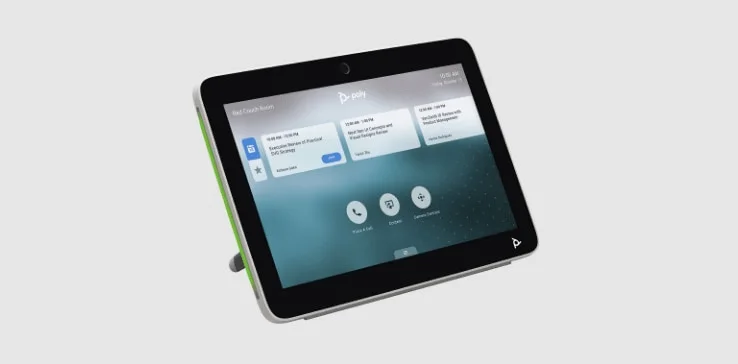 Touch controller
HP Poly TC10
The trainer starts the session and switches content with one tap.
Ask for a quotation
Room design
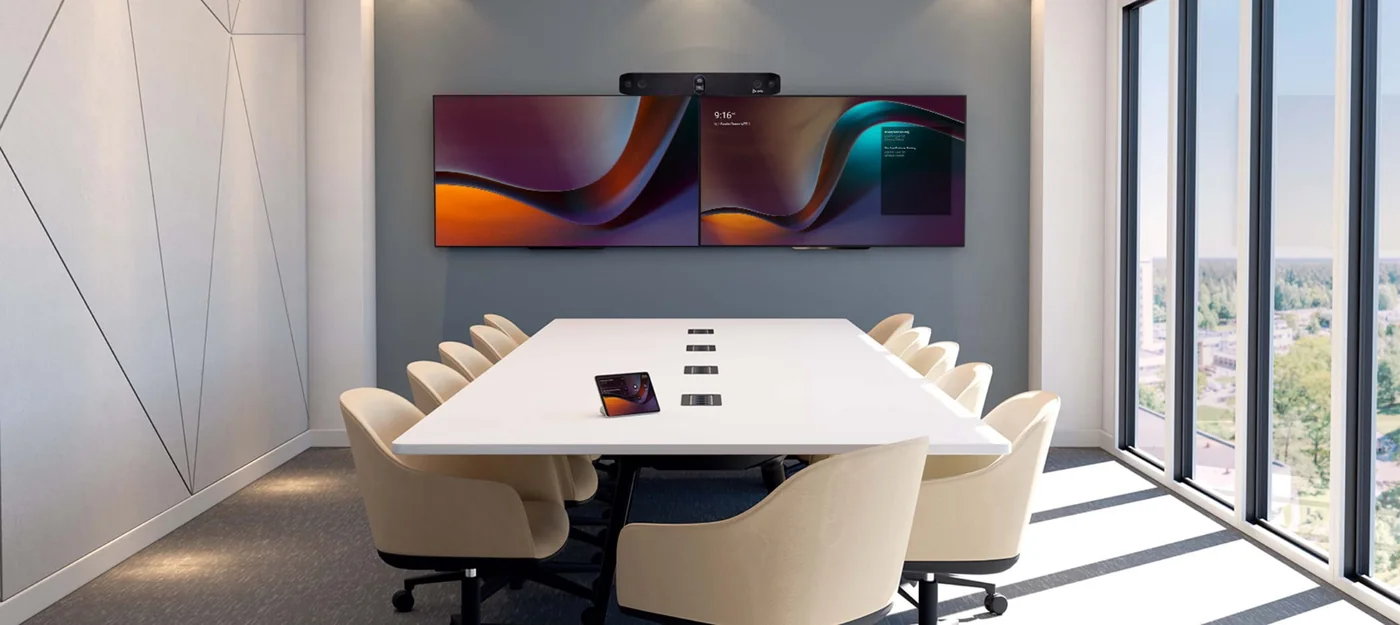
Built for the trainer and the remote class
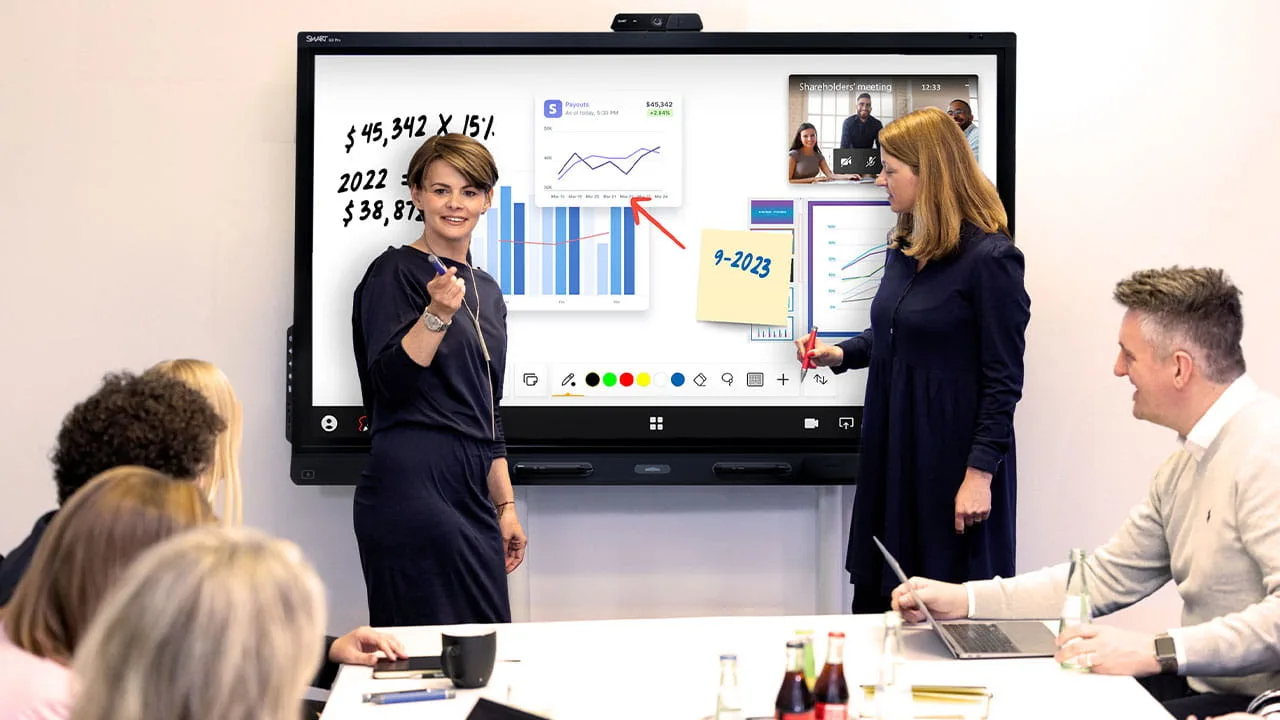
The trainer writes and presents on the SMART Board, the camera follows them, and remote trainees hear every word.
- HP Poly G7500 modular system for large conference and training rooms
- HP Poly Studio E60 with 12x optical zoom and presenter tracking
- SMART Board MX Pro at the front to write over slides and save the notes
- Table or ceiling microphones so questions from the room are heard
Room sizes from HP Poly's Studio Room Solutions for Microsoft Teams Rooms.
SMART + HP Poly
One room, two partners
The SMART Board is the trainer's whiteboard and screen; HP Poly brings the remote class in with clear video and sound.
 Interactive display
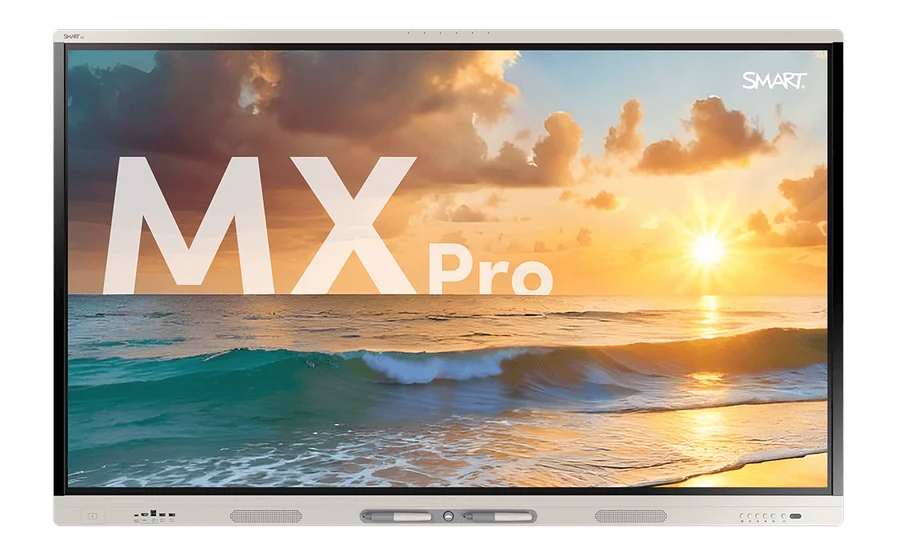
SMART Board MX Pro series
Share from any laptop, write over slides and save the notes. 55, 65, 75 and 86 inches, up to 50 touch points, built-in Microsoft Teams support.
View the MX Pro series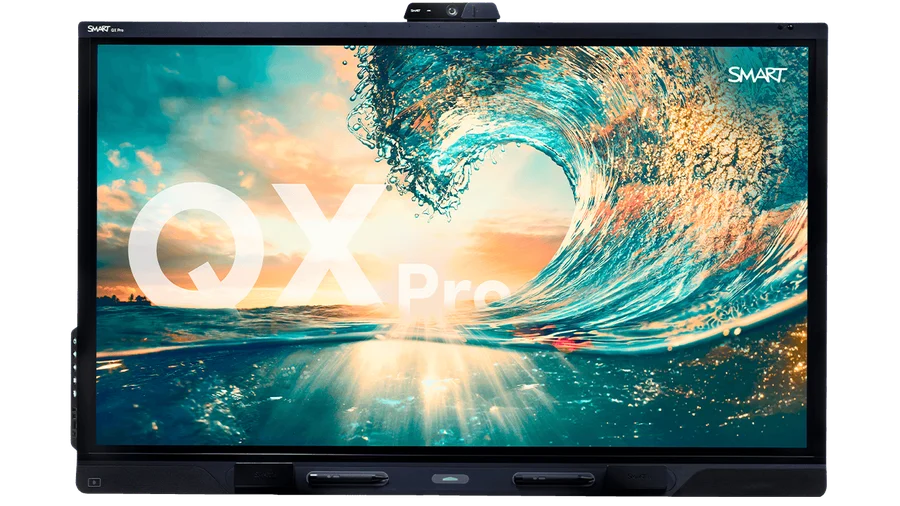 All-in-one interactive display
SMART Board QX Pro series
Designed for Microsoft Teams Rooms, with a built-in 4K camera (120° view) and an 8-microphone array. 65, 75 and 86 inches.
View the QX Pro series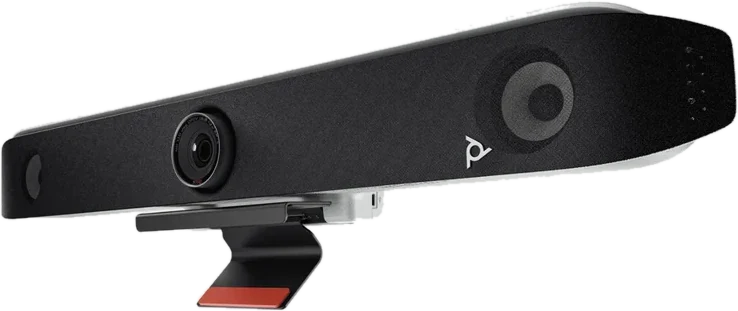 Video and audio
HP Poly video bars and cameras
Under or beside the SMART Board, an HP Poly video bar or camera lets remote colleagues see the whole room and hear every voice.
View HP Poly
Your meeting app
Works with Teams, Zoom and Google Meet
Keep the app your company already uses. The HP Poly system runs the call and the SMART Board shows it and your content.
- Microsoft Teams
Start or join the meeting with one tap on the room console. Share the SMART Board screen into the call.
- Zoom
HP Poly video bars run Zoom Rooms. Remote people see the room and the board clearly.
- Google Meet
HP Poly offers Google Meet room kits. Join from the calendar invite and present wirelessly.
We set up the app you use, test it with your team and support it after installation.
How we deliver it
From empty room to ready meeting room
Visit
We measure the room and ask how your team meets and which platform you use.
Design
We choose the right HP Poly camera, audio and display for the size of the room.
Install
We mount, cable and set up everything, ready for Teams, Zoom or Google Meet.
Support
Training for your team and local support from Erbil, Baghdad and Basra.
FAQ
Common questions
What do we need for a hybrid training room?
A camera that keeps the trainer in the picture, microphones for the trainer and the room, a display for content, and a system that connects them. HP recommends the modular Poly G7500 for large conference and training rooms, with Studio E60 or E70 cameras.
Can we add a SMART Board for the trainer?
Yes. A SMART Board interactive display lets the trainer write over slides and share notes with remote trainees. We install both together.
Do you install HP Poly in Iraq?
Yes. Protech designs, installs and supports HP Poly training and meeting rooms across Iraq, from Erbil, Baghdad and Basra.
Plan your training rooms
Tell us the room size and how your team meets. We recommend the right HP Poly system and send a quotation.
How can we help?
Our offices: Erbil (head office) Baghdad Basra
Contact us
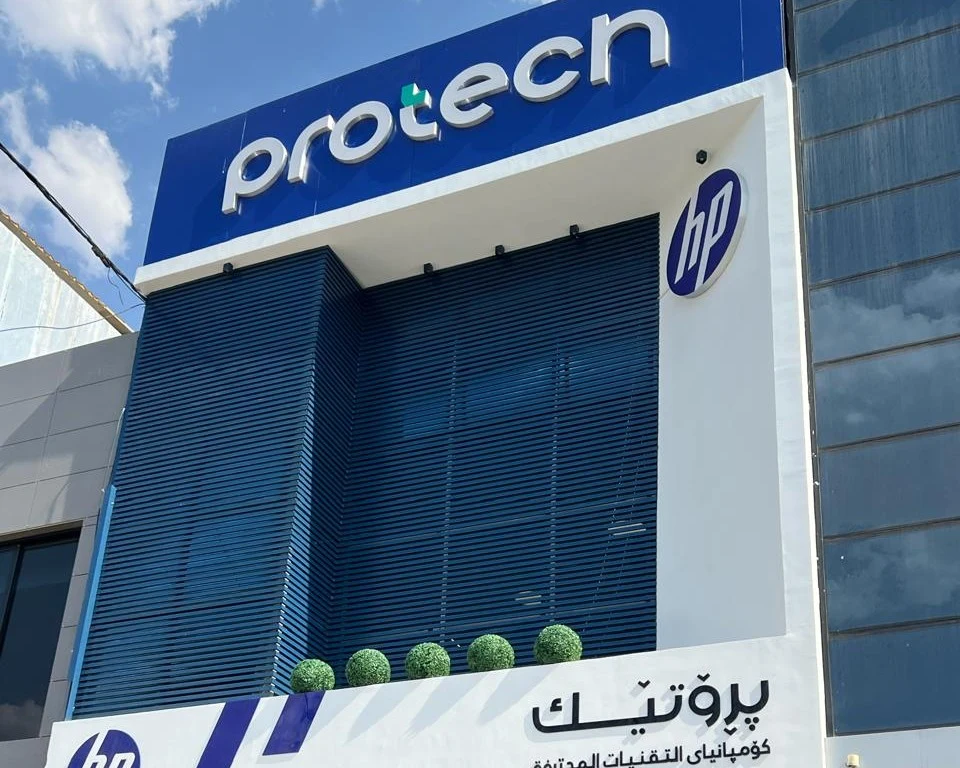
Visit us in Erbil, Baghdad or Basra
Let's talk about your technology
Looking for a tailored solution, a partnership, or just want to learn more? Our team is ready with fast, friendly, professional support.
Message us on WhatsAppErbil Head office
Koya Road, next to Dayk Hospital
Open in Google MapsBaghdad
Al Sina'a St., Rukn Al-Sina'a Complex, 2nd floor, office 8
Open in Google MapsBasra
Al-Jazaer Street, Oman District, opposite Ibn Ghazwan Hospital
Open in Google Maps
Not sure what you need?
Message our team. Free advice and a free demo, with no commitment.